Hello everyone! This time I´ll show you how to use Paddlet. Hope you find it useful !
What is padlet?
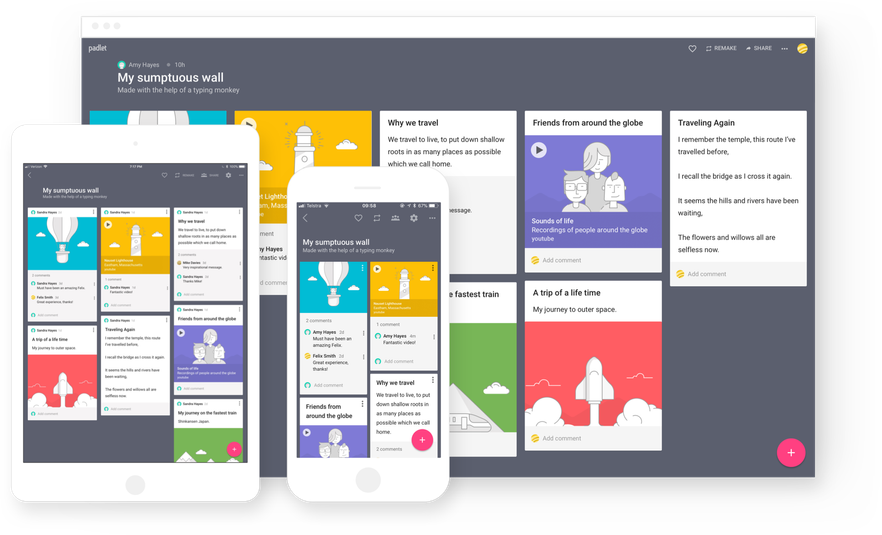
Padlet is a web-based collaboration tool akin to a bulletin board. It allows students to post their ideas and understanding of course materials using text, images, web
links and even voice notes. A Padlet can be shared on social media, embedded in Blackboard, or exported as excel
or PDF.
Some user´s opinions about the tool ...

"I have used this product as an assessment tool and as an extension of learning tool. I have not had many problems with padlet. I think the biggest problem has been with students not taking their time and being caught up on the comment features. This can however be avoided if you explicitly explain how the students should use the tools. When thinking about this product and the SAMR model, I believe padlet is the technology equivalent to hand writing on a sticky note and posting the sticky notes on an interactive bulletin board. I think there are more benefits and features to padlet, such as the comment and like tools that allow for further technology integration and collaboration."

"I enjoy using padlet. I think it is a great starter tool for teachers who are hesitant or who are just beginning to integrate technology into their classroom. It is very user friendly and allow teachers and students to gain confidence and competence with different technologies....I think padlet allows for teachers and students to feel more interconnected about the learning process. I think it is essential to view and discuss individual posts as a whole group. This allows students to learn from each other and make those essential connections to deeper their learning".
Advantages of using padlet :
- Works on modern browsers
- Free
- It gives you the option to login with a Google Account
- Easy guide to help you create a new account
- Easy guide to help you create a new page/wall
- Allows you to share your wall with other social media sites
- Padlet does not sell your information
- Privacy settings allows a user to control what others can do on your wall
- No limit on wall space
- Can embed into any major blogging platform or site
Disadvantages of using padlet:
- You need consistent internet connection
- In order to create a wall without an account, Padlet installs a cookie on your computer to help you gain access back to your wall. It can be deleted or blocked by your computers virus protection software, leaving users unable to access there wall
- Browsing walls can turn up material that is not suitable for children
- Teachers have no control of what students may type or post
How to use this tool in some simple steps:
1- Go to www.Padlet.com and Log in with your already established Google account or Click on “Sign Up” to create a new Padlet account.This is how the home page looks like:

2- Click on "crear nuevo padlet" ” to create a new wall.
3- Then you have to choose the type of wall you would like to work with.

4- Once you are in your wall, you can modify the wallpaper, the layout , the font, etc. you can also add a title to your padlet and modify the privacy settings.
5- All you need to do is start double clicking on the wall to insert text, or drag and drop any file to share! All you need to do to get your students collaboration is to share the link of the wall. Students either double click the wall to enter text, or drag and drop a file to share with classmates. It is that easy!
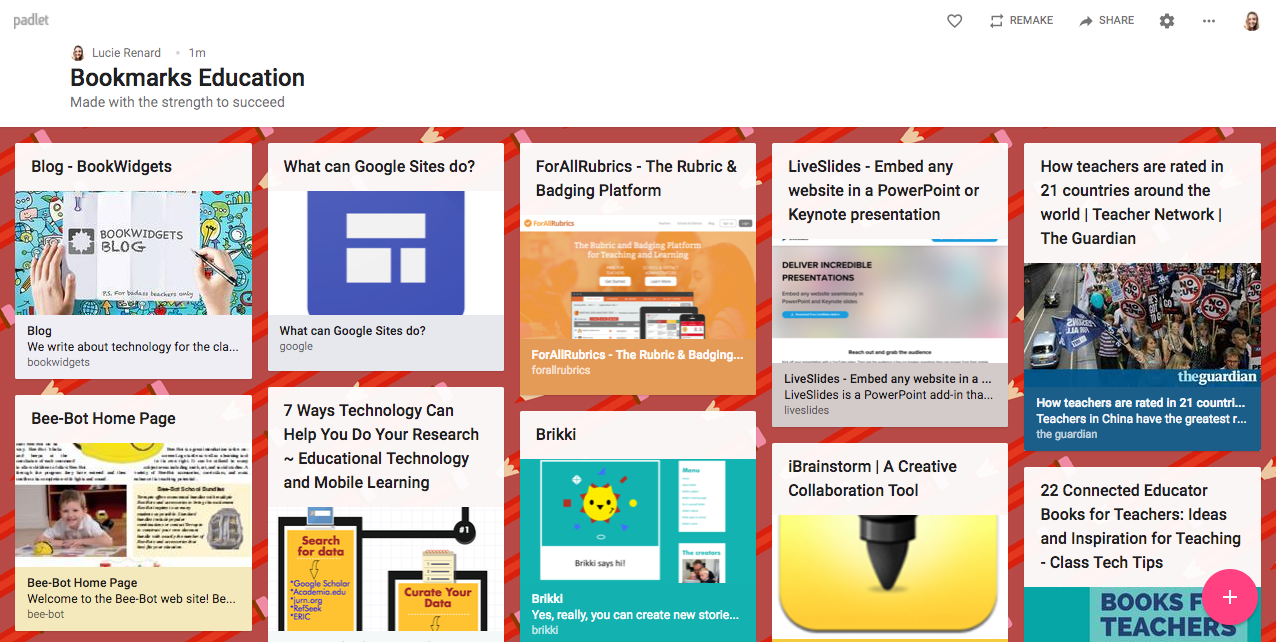
3- Then you have to choose the type of wall you would like to work with.

5- All you need to do is start double clicking on the wall to insert text, or drag and drop any file to share! All you need to do to get your students collaboration is to share the link of the wall. Students either double click the wall to enter text, or drag and drop a file to share with classmates. It is that easy!
If you are interested in this tool you can also have a look at a lesson plan I suggested to use it with your students: lesson plan to use padlet
Sources:
Lindsay Warwick. (n.d.). Retrieved May 14, 2019, from https://thedigitalteacher.com/reviews/padlet
PROS AND CONS. (n.d.). Retrieved May 14, 2019, from https://padletcommunicationtoolit648.weebly.com/pros-and-cons.html


Hello Maca! The information is clear and well organized. Just a few comments regarding the font and images. I think the font is different in the "Advantages" section. And, at least in my computer, images are bigger than the rectangle in which you wrote the post.
ResponderBorrar